docs / features / Sheet Metal Mirror
Sheet Metal Mirror
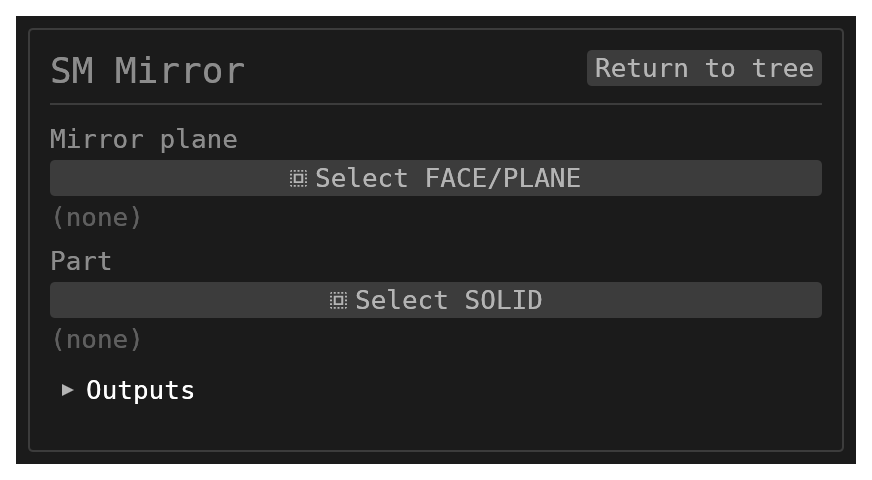
SM.MIRROR reflects a whole sheet-metal part, flanges included. The result stays sheet metal, so later
flanges, corners, cutouts and unfolds work on it.
- In the Sheet Metal workbench, choose Home → Sheet Metal → Mirror.
- In Mirror plane, pick a side wall of the base plate, a planar face, or a datum plane.
- Part is optional when the mirror plane is a face of the part, or when the document has one sheet-metal part.
| Mirror plane | Result |
|---|---|
| A side wall of the base plate | The reflection joins the part across that edge: one body, one base flat, one flat pattern. A flange that meets its own reflection in line, with the same bend, becomes one flange twice as long. |
| A plane clear of the part | A separate sheet-metal part, named {feature}:{part}:M. |
| A plane through the part | Refused: "the mirror plane passes through the part". |
In a joined part, the reflected half's faces carry the feature id after @, for example
SM.TAB6:flat_root:SIDE:SM.TAB6:e0@SM.MI10. The side wall you mirrored about disappears into the joined plate.
Limits
- Joining needs the mirror plane to hold a plain (unflanged, straight) side wall of the base plate, perpendicular to it.
- A part with flanges folded from hole rims is not mirrored yet.
The general Mirror also keeps a sheet-metal copy sheet metal, but never joins it. See also Flange.