docs / features / Transform
Transform
Status: Implemented
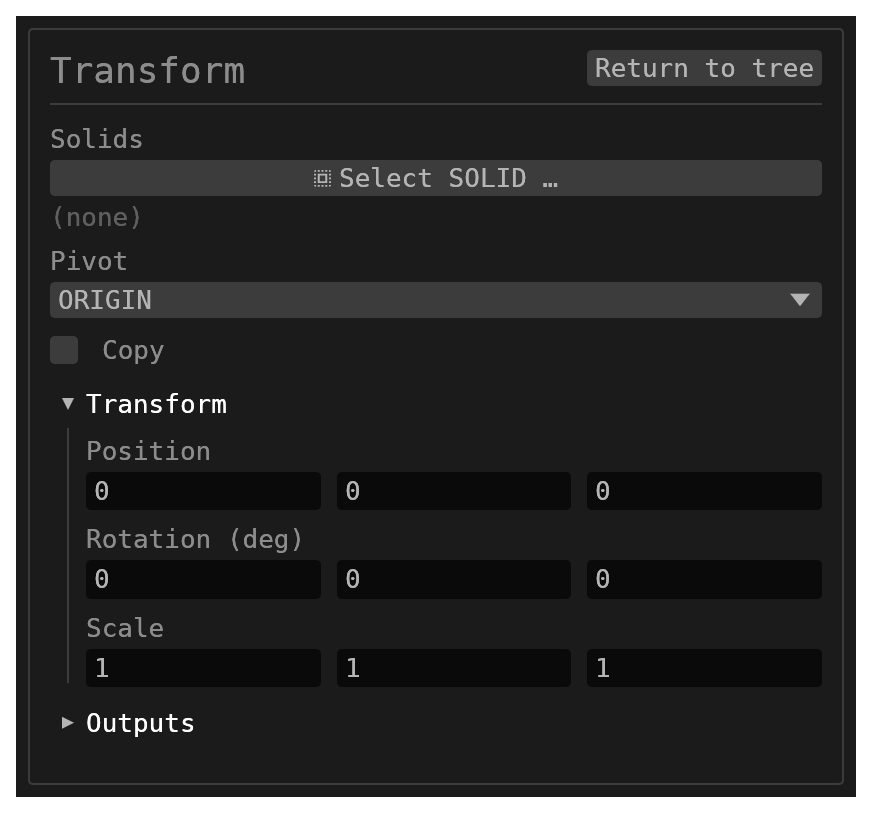
Transform applies translation, rotation, and scale to selected solids.
Walkthrough
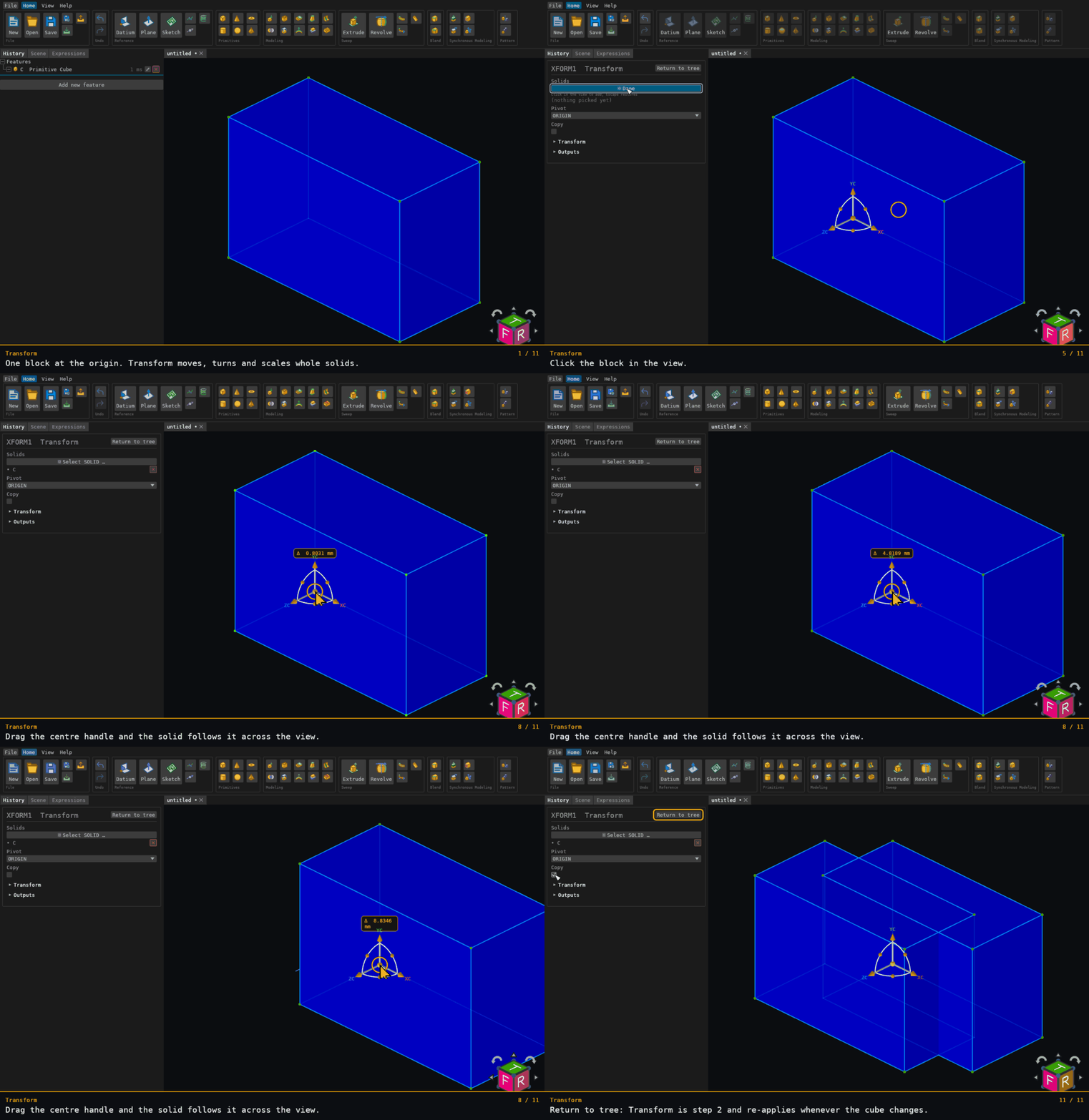
Recorded from the running app by BREP_mcp/tests/videos/transform.json; regenerate every walkthrough with ./build.sh docs-videos.
Inputs
id–string, defaultnull. Optional identifier for the history entry.solids– multiplereference_selection(SOLID, default[]). Solids to transform.pivot–options, defaultORIGIN:ORIGINorBBOX_CENTER(the source solid’s bounding box centre).transform.position–vec3, default[0, 0, 0]; translation.transform.rotationEuler–vec3, default[0, 0, 0]; intrinsic XYZ rotation in degrees.transform.scale–vec3, default[1, 1, 1]; non-uniform scaling about the chosen pivot.copy–boolean, defaultfalse. When enabled the original solids remain and transformed copies are added; otherwise originals are replaced.
Behaviour
- Opening the feature form activates the same 3D move/rotate gizmo used by primitives. Drag its arrows or rotation rings to edit the shared Transform controls, or its orange centre ball to move freely in the plane of the screen — the centre drags under any camera, including the axis-aligned standard views. Scale is edited in the form. (Transform has no dimension annotations of its own, so the centre ball's mode toggle has nothing to switch to here.)
- With
BBOX_CENTER, controls attach to the first resolved source solid’s pivot; each selected solid rotates and scales about its own source pivot. - The transform is baked into the solid’s geometry.
- A replacement keeps the source name. Copies are named
<sourceName>_<featureId>, with their face and edge names namespaced by the feature ID. - Selection names that do not resolve are reported as unresolved and skipped. No selection, or a selection in which nothing resolves, is a no-op.
- A scale that reflects (an odd number of negative components) or is singular (a zero component) is refused. An even number of negative components is a rotation and is accepted.